
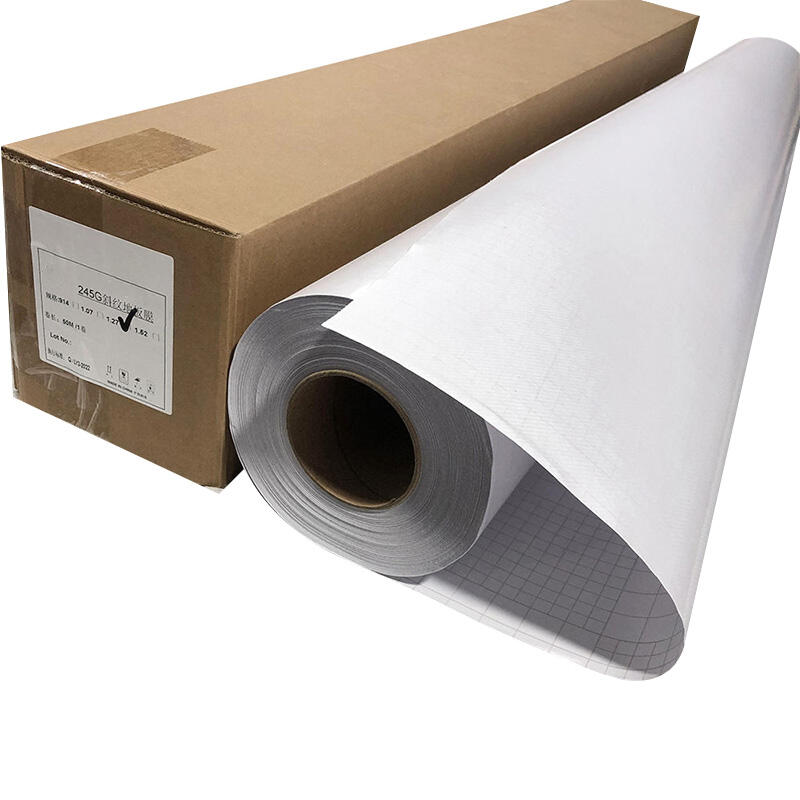
Digital printing has revolutionized the printing industry by offering faster turnaround times, greater flexibility, and the ability to produce high-quality prints with minimal setup. Unlike traditional printing methods, such as offset or screen printing, digital printing does not require physical printing plates or screens. Instead, it uses electronic files to directly transfer an image to the printing surface, making it ideal for short runs, customization, and on-demand printing. To fully understand how digital printing works, it's important to break down the key components of a digital printing system.
1. Digital Printer
At the heart of any digital printing system is the digital printer itself. This machine is responsible for transferring the digital file onto the chosen medium (paper, fabric, plastic, etc.). There are several types of digital printers, with inkjet and laser printers being the most common.
-
Inkjet Printers: Inkjet printers use liquid ink, which is sprayed onto the substrate through tiny nozzles. This technology is known for its ability to produce high-resolution prints and is widely used in both home and commercial printing applications.
-
Laser Printers: Laser printers use a laser beam to transfer toner (powdered ink) onto a substrate. Laser printers are typically faster than inkjet printers and are often used for high-volume printing tasks.
Digital printers are available in a range of sizes, from small desktop models to large industrial machines. The choice of printer depends on the scale and requirements of the printing job.
2. Print Head or Imaging System
The print head or imaging system is the part of the digital printer that applies the ink or toner to the printing surface. In inkjet printers, the print head contains microscopic nozzles that eject tiny droplets of ink in precise patterns, creating the image. In laser printers, the imaging system uses a laser beam to create an electrostatic image on a drum, which is then transferred onto the paper.
The accuracy and precision of the print head or imaging system are critical for achieving high-quality prints. Advanced systems can produce high resolutions, sharp details, and smooth gradients, ensuring that the final product meets the desired standards.
3. RIP (Raster Image Processor)
The Raster Image Processor (RIP) is a crucial component in a digital printing system. The RIP takes the digital file (often in formats like PDF, TIFF, or JPEG) and converts it into a format that the printer can understand. It processes the image data and translates it into a series of dots or pixels that can be reproduced on the substrate.
The RIP also controls the printer’s color management, resolution, and other parameters. It ensures that the final print matches the digital file’s colors and details as closely as possible. A high-quality RIP can make the difference between an average print job and a professional-grade result, particularly when dealing with complex or detailed images.
4. Ink or Toner
The type of ink or toner used in a Decorative Vinyl plays a key role in the quality and durability of the prints. There are several types of inks, each suited for different applications:
-
Dye-based Inks: Commonly used in inkjet printers, these inks are known for producing vibrant colors but may not be as durable as pigment-based inks.
-
Pigment-based Inks: These inks are more resistant to fading and are often used for prints that need to endure exposure to light, moisture, or abrasion.
-
UV Inks: Used in some digital printers, UV inks cure (harden) under ultraviolet light. These inks allow for printing on a wide range of materials, including non-porous surfaces.
-
Toner: Used in laser printers, toner is a fine powder that is fused to the printing surface by heat and pressure.
The choice of ink or toner is determined by the type of printer, the material being printed on, and the specific requirements of the print job (such as durability, color accuracy, and cost).
5. Substrate (Printing Material)
The substrate is the material onto which the ink or toner is applied. Substrates can range from paper, fabric, and plastic, to metals, ceramics, and more. The nature of the substrate affects how the print is transferred and how long it will last. For example, glossy paper can produce sharp, vibrant colors, while fabrics require special inks that adhere well to the fibers.
Selecting the right substrate is vital for achieving the desired outcome, and digital printing systems are increasingly capable of printing on a wide variety of materials, allowing for versatility in product offerings.
6. Software and Control Systems
The software used to operate the digital printing system helps control various aspects of the printing process, from color management to print job scheduling. It ensures that files are processed efficiently and that the print job is executed correctly. This software often integrates with design and layout programs to allow for seamless transitions from design to print.
Conclusion
In summary, a digital printing system consists of several key components working in harmony to produce high-quality, customized prints. These components include the digital printer itself, the print head or imaging system, the Raster Image Processor (RIP), ink or toner, substrates, and specialized software. Understanding how each of these elements functions and contributes to the overall printing process is essential for producing the best results and ensuring that digital printing remains a viable and popular choice for a variety of applications in both commercial and personal use.